If you used Google Login to create your SubPage account but want to switch to logging in with your email and password, follow the steps below:
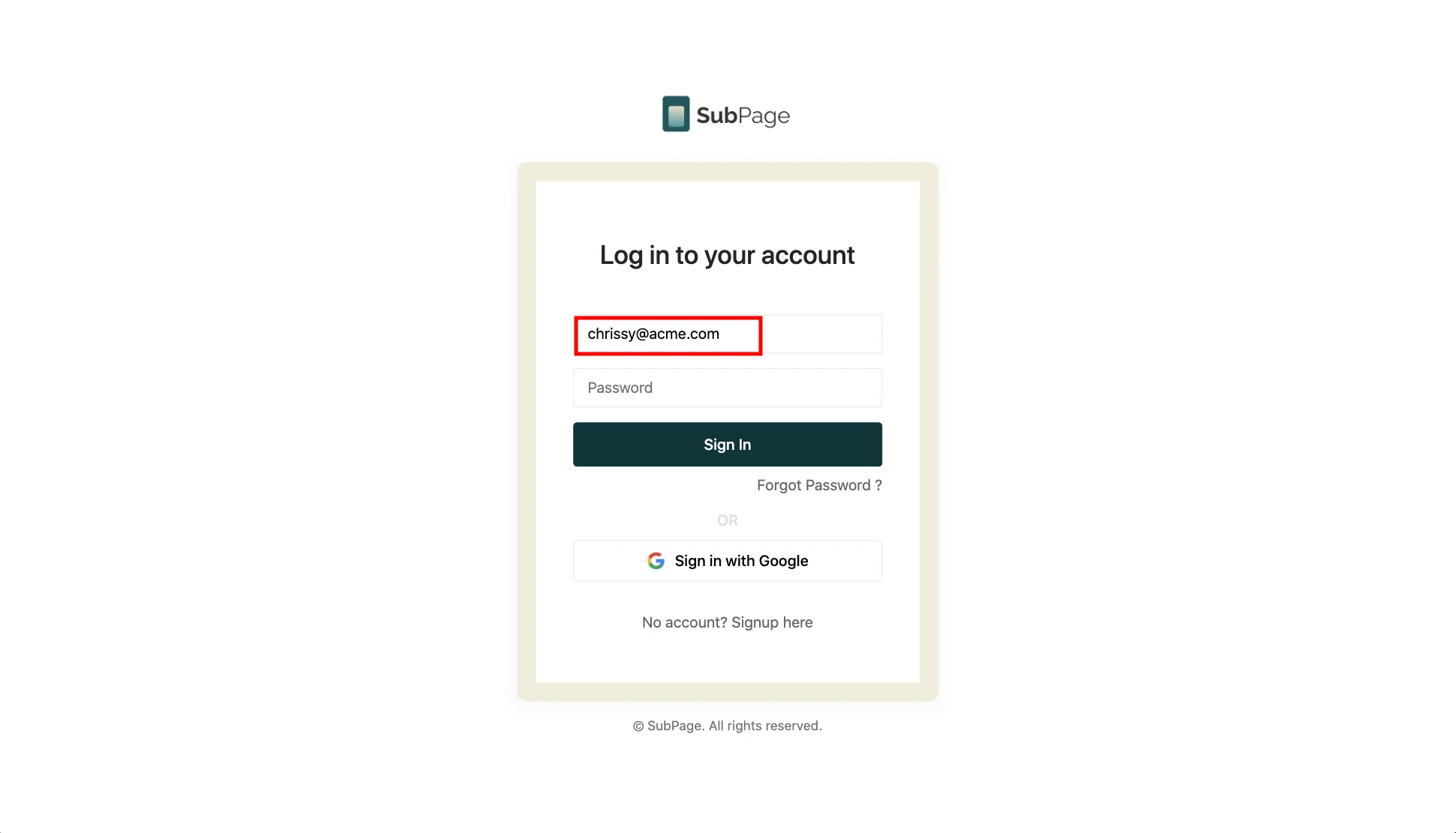
1At the login screen, enter your Gmail / Google email address.
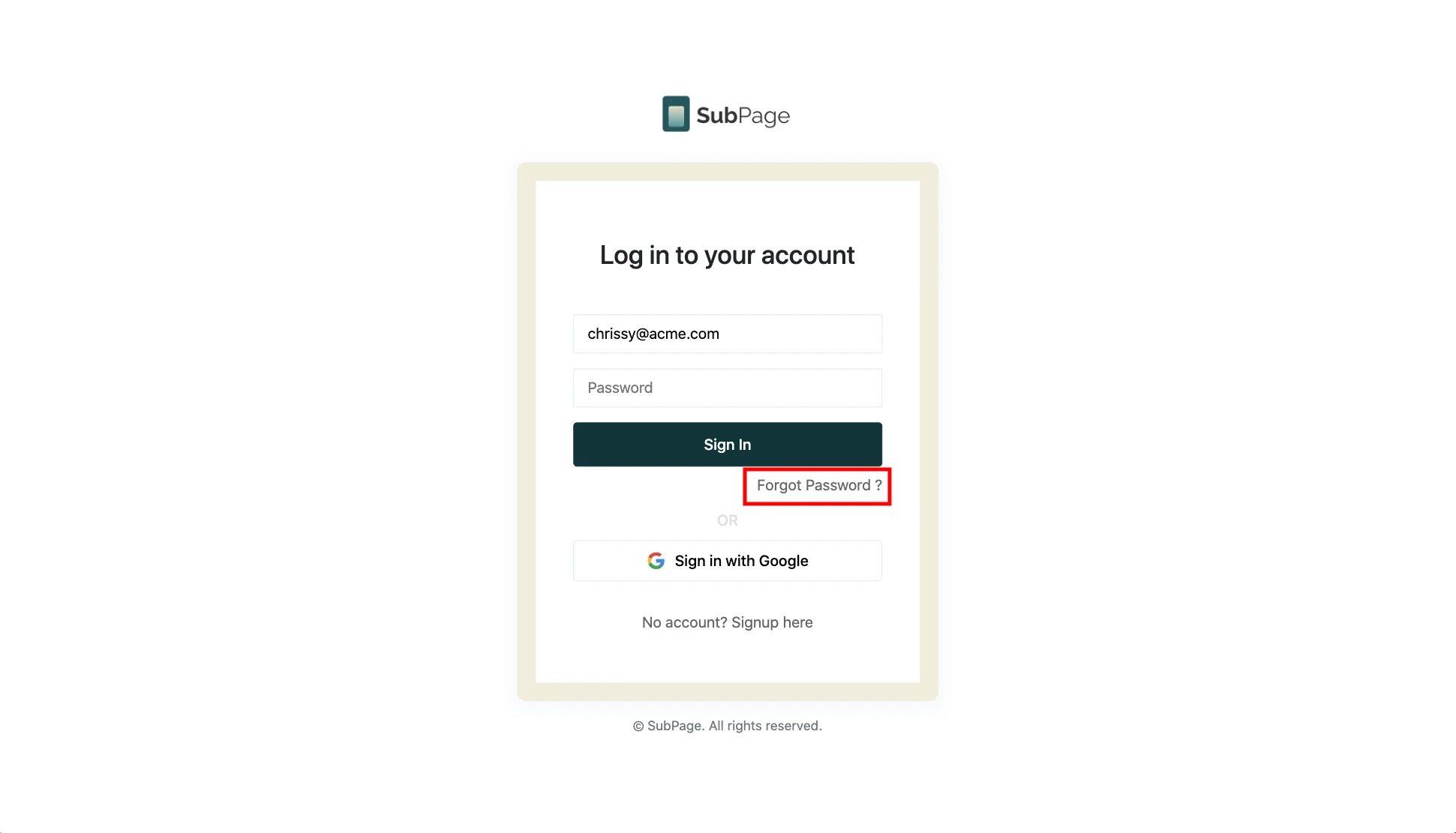
2Click the “Forgot Password” button.
3Check your Google email inbox and follow the instructions to reset or create a new password.
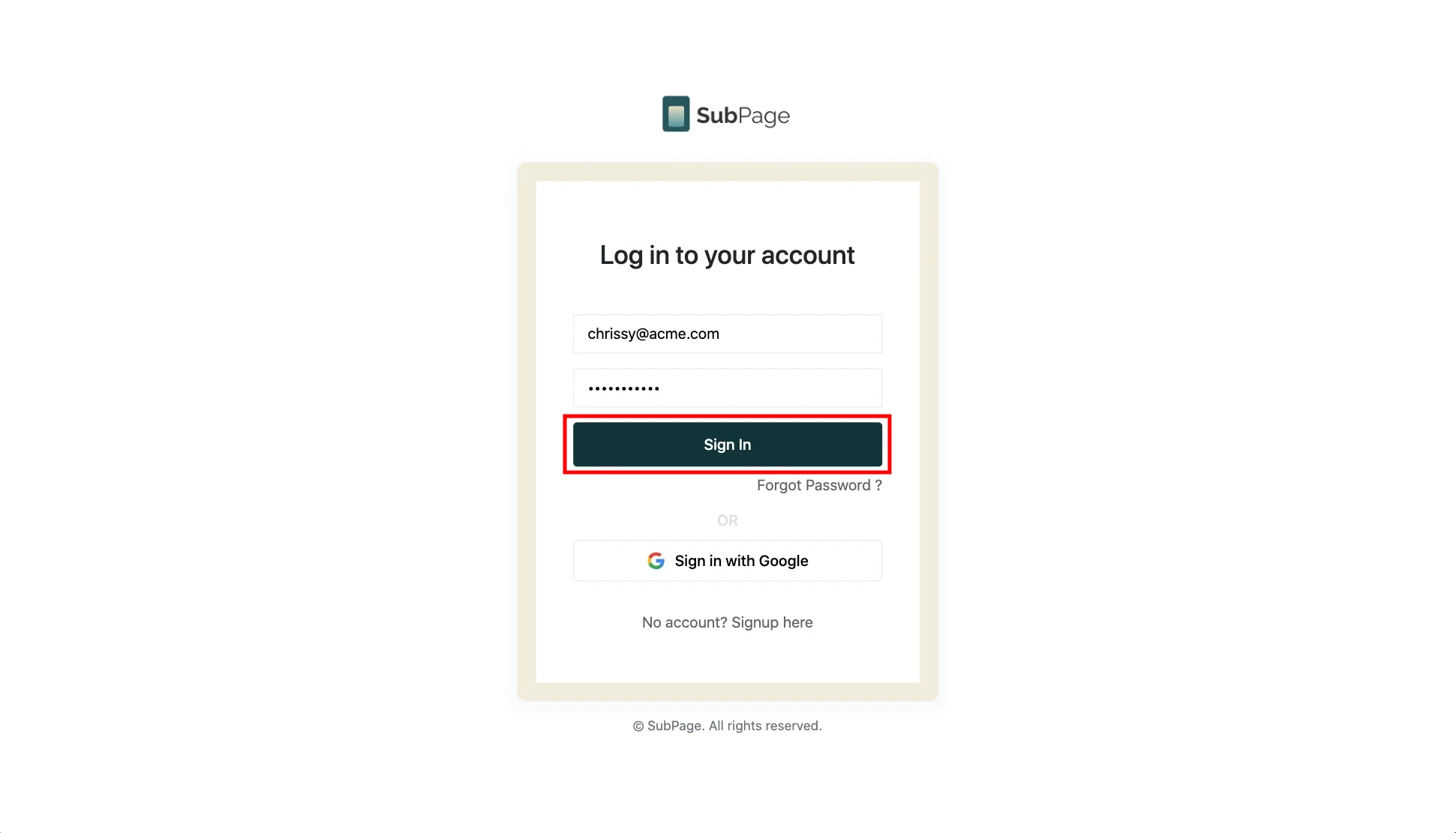
4Return to the login screen, enter your email and new password, then click “Sign in.”